shelltime.xyzRankingPlans
Sign In

Quick Overview

See ShellTime in Action

Watch a quick walkthrough to understand how ShellTime tracks your development workflow

iOS AppUnder Review

Take ShellTime Everywhere

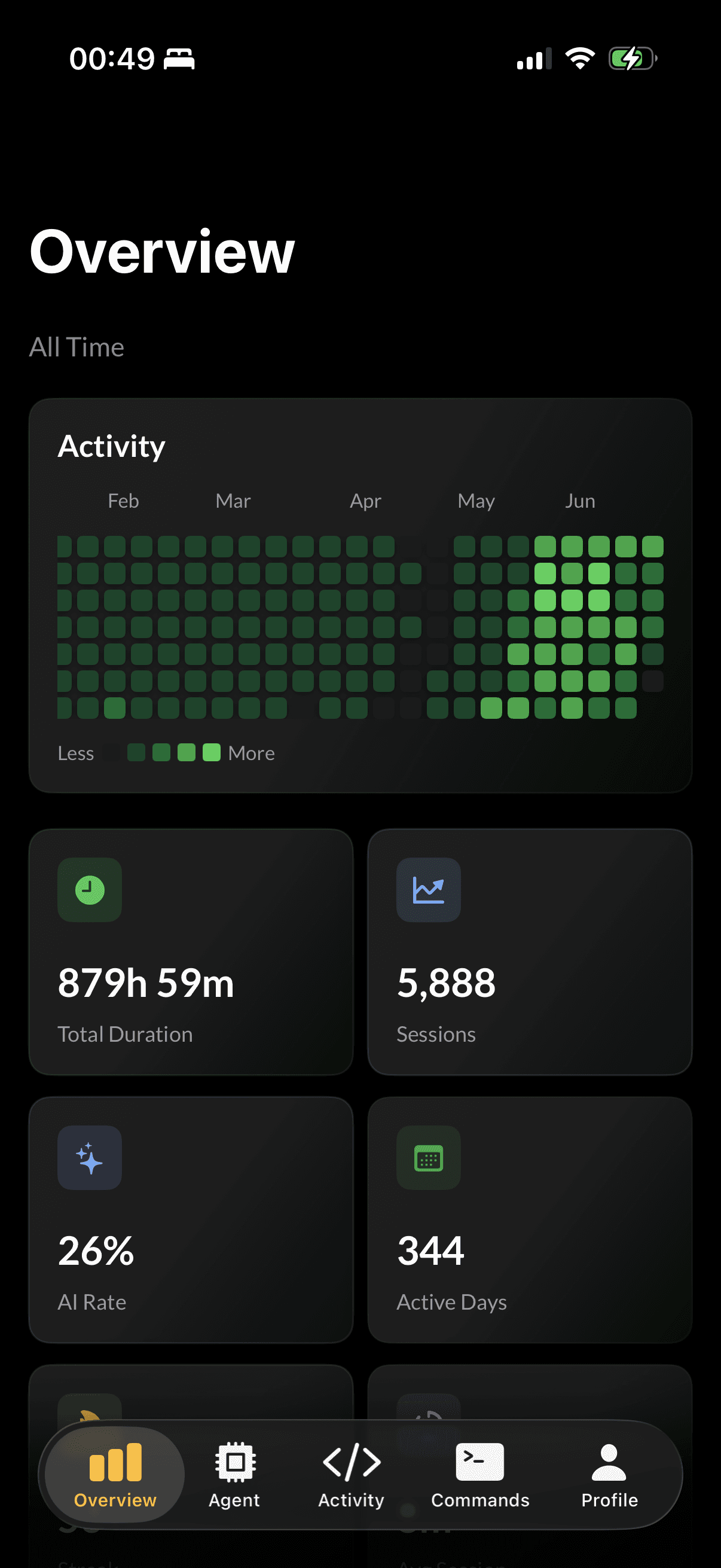
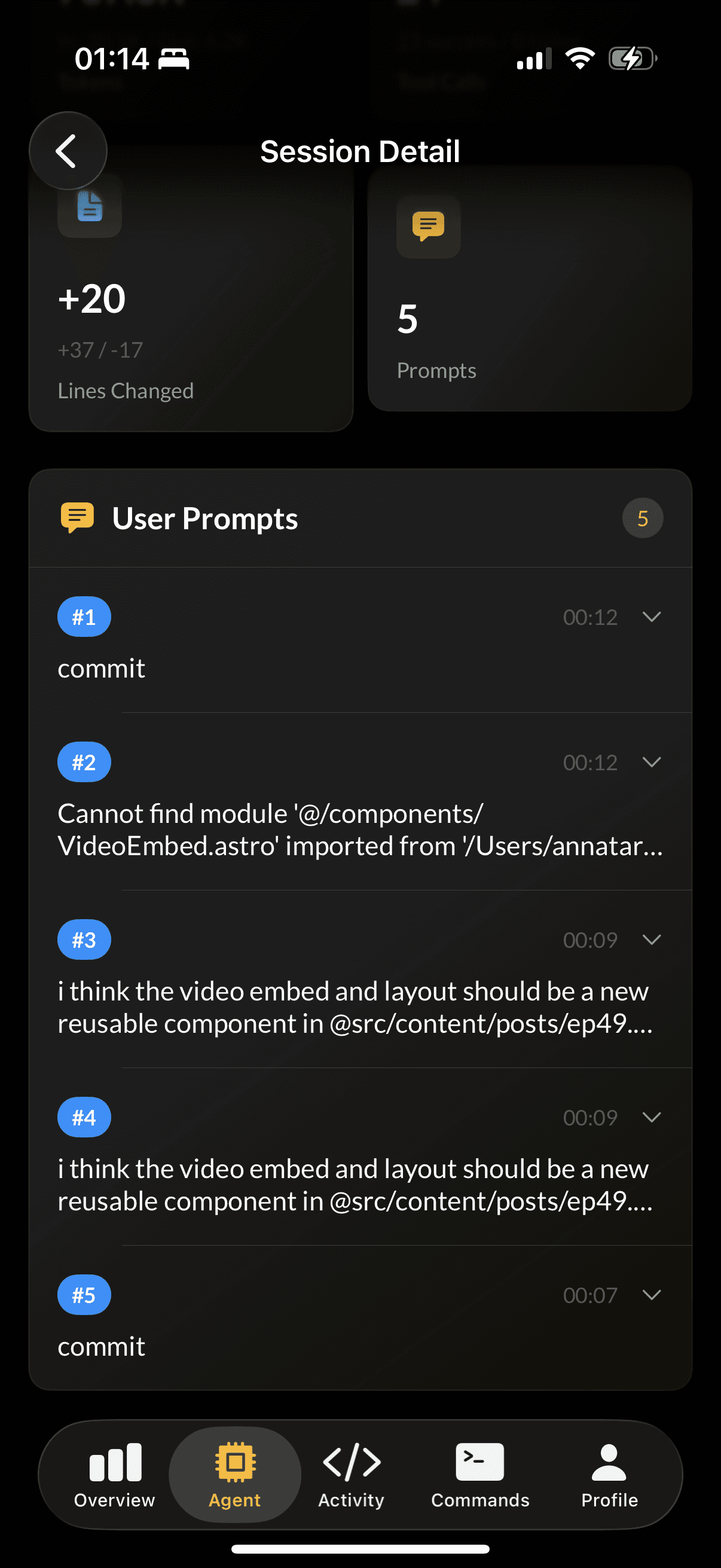
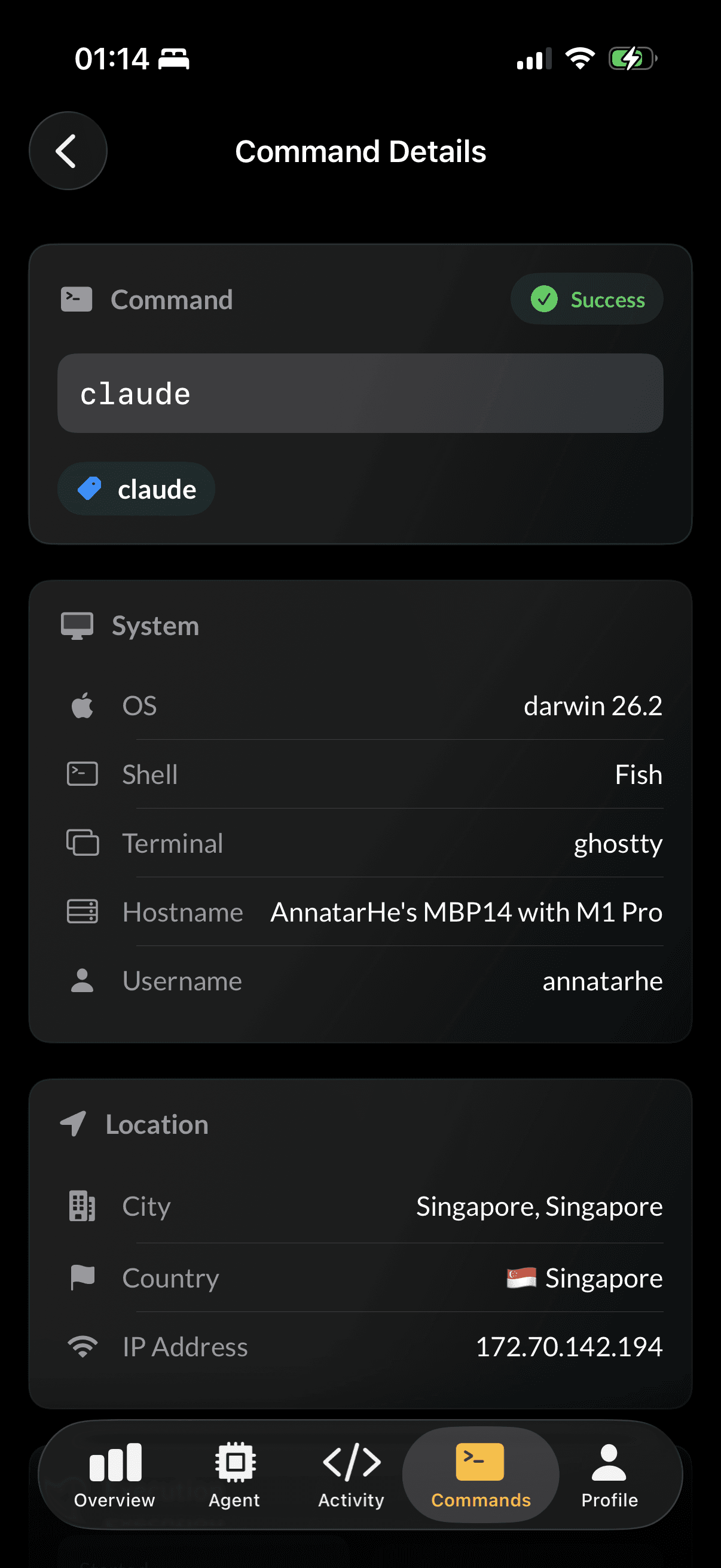
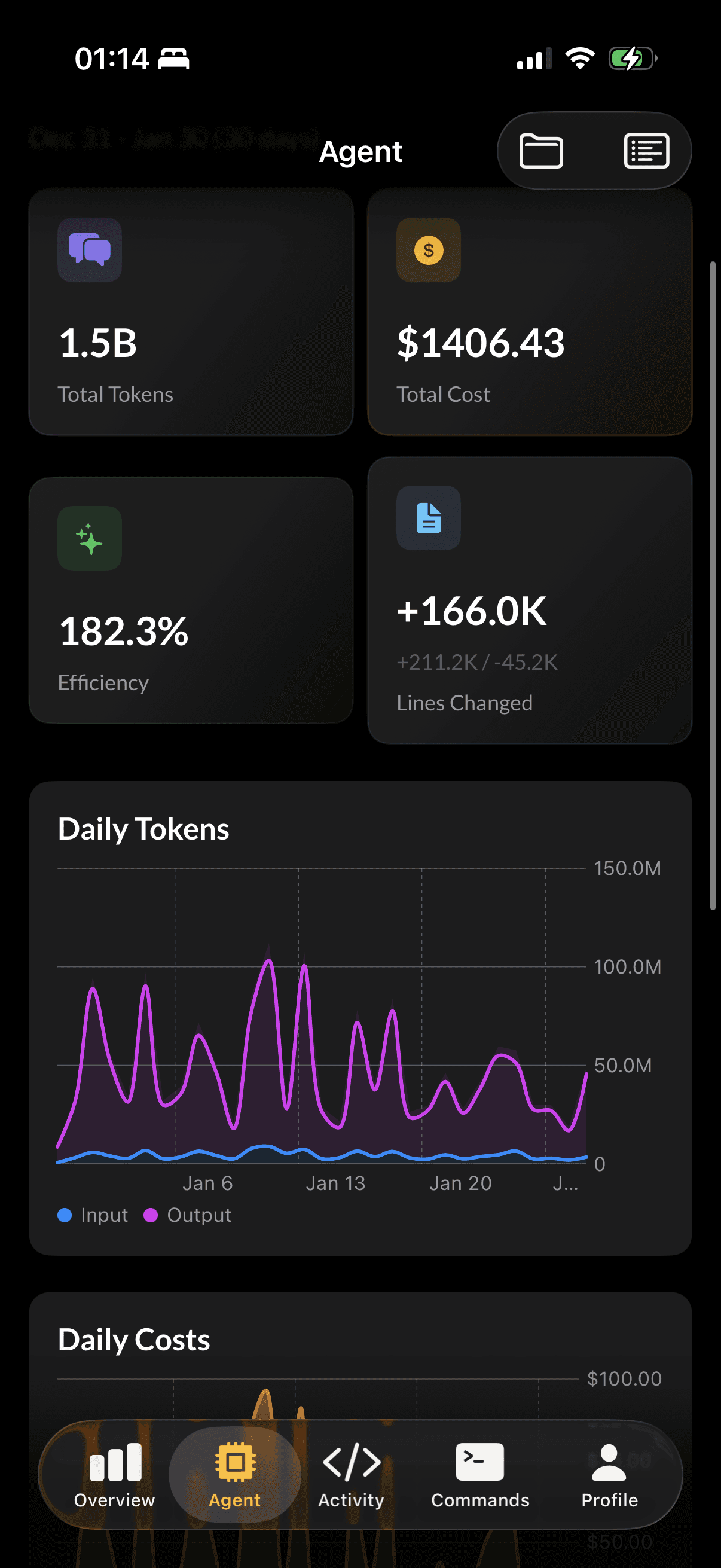
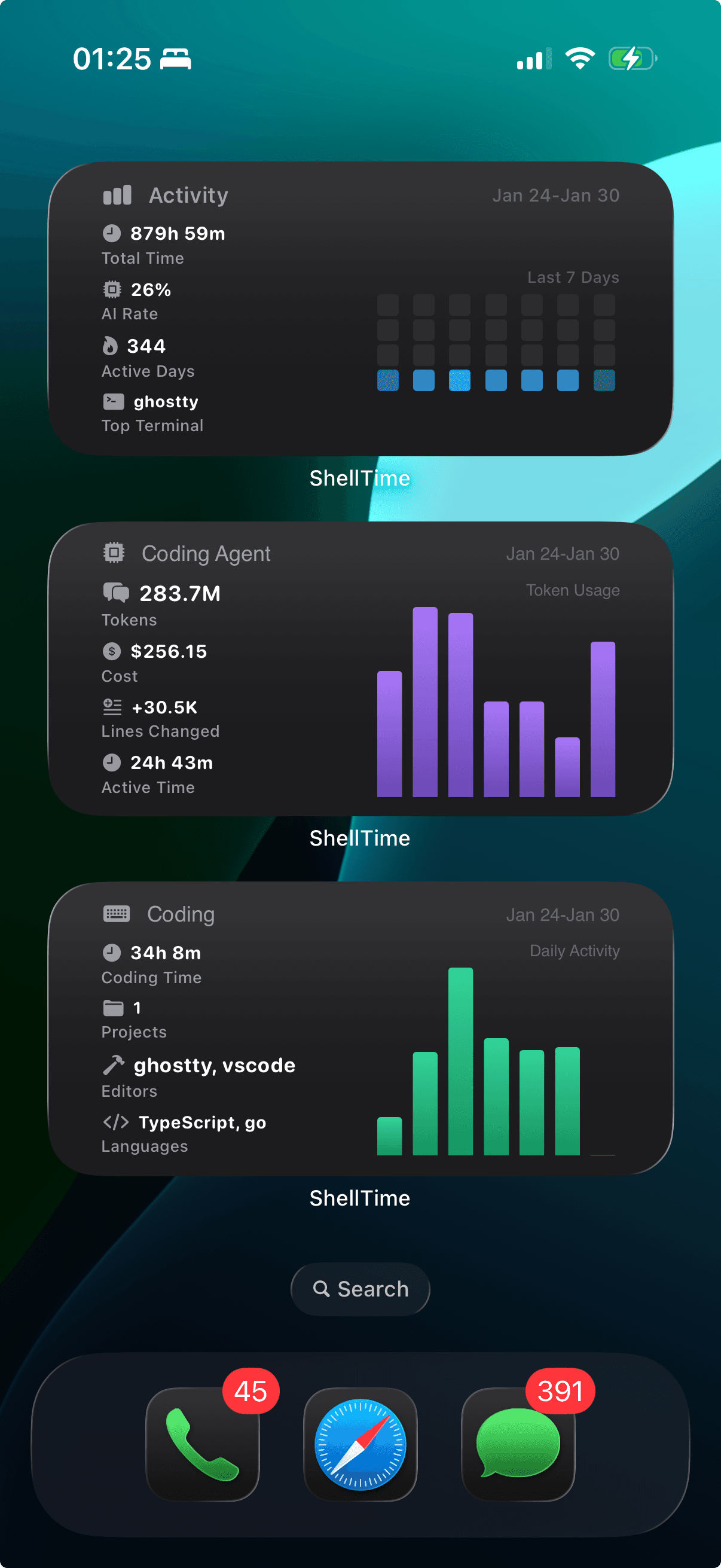
View your development stats on the go with our beautiful iOS app. Features home screen widgets, real-time sync, and native Mac support.

  • Home screen widgets for quick stats
  • Real-time sync across all devices
  • Native Mac support with Apple Silicon
Learn More
ShellTime iOS screenshot 1ShellTime iOS screenshot 2ShellTime iOS screenshot 3ShellTime iOS screenshot 4ShellTime iOS screenshot 5
Β© 2026 shelltime.xyz. All rights reserved.
Version: 89814f5
TermsPrivacyContactAbout
Developer Platform for the AI Era

The Developer Platform
for the AI Era

Track commands, coding agents, and editor activity. Gain insights that make you a more productive developer with privacy-first analytics.

Start Free with GitHubView Pricing

Trusted by developers at

AsyncTalkIndependent Developers
Scroll to explore

Core Features

Three Pillars of Developer Analytics

Comprehensive tracking across your entire development workflow

Command Tracking

Automatically track every command across zsh and fish shells. Understand your CLI patterns and optimize your workflow.

$ git commit -m "feat: new feature"
$ npm run build
$ pnpm deploy
01

Coding Agent Tracking

Monitor your AI coding assistant usage. Track costs, token consumption, and session insights for Claude Code and more.

$0.05 / 2.3k tokens
02

Editor Activity

Track your editor usage across VS Code, Neovim, and JetBrains IDEs. Understand how you spend time across different projects and languages.

VS Code
3h 24m active today
03

More Features

Everything You Need

A comprehensive suite of tools to enhance your development experience

Weekly Reports

Detailed weekly summaries of your development activity with actionable insights.

Webhooks

Integrate with your favorite tools through powerful webhook integrations.

Virtual Billing

Generate virtual invoices for your development time and AI usage.

Open Badges

Share your achievements with customizable badges for your GitHub profile.

Dotfile Management

Backup, sync, and manage your dotfiles across multiple machines.

Shell Aliases

Create and manage custom shell aliases for your favorite commands.

Advanced Analytics

Data-Driven Insights

Turn your development data into actionable improvements

Accurate Activity Analysis

Deep insights into your productivity patterns, peak hours, and development habits based on collected data.

Improvement Reports

Personalized recommendations to optimize your workflow and boost productivity.

More features coming soon

Privacy First

Your Data, Your Control

We take privacy seriously. Your data is secure and under your complete control.

Data Stored in Singapore

All data is securely stored in Singapore with enterprise-grade infrastructure.

No Unauthorized Access

No one can access your private data - not governments, not malicious actors, not even us.

End-to-End Security

Your data is protected with industry-standard encryption at rest and in transit.

Full Data Ownership

Export or delete your data anytime. You generate it, you own it.

Global Support

Speak Your Language

Full support for multiple languages to serve developers worldwide

πŸ‡ΊπŸ‡Έ
English
EN
πŸ‡¨πŸ‡³
δΈ­ζ–‡
ZH
πŸ‡―πŸ‡΅
ζ—₯本θͺž
JA
πŸ‡°πŸ‡·
ν•œκ΅­μ–΄
KO
4

Quick Setup

Get Started in Seconds

Two simple commands and you're ready to go

01

Install ShellTime CLI

Download and install the ShellTime CLI with a single command.

$
curl -sSL https://shelltime.xyz/i | bash
02

Initialize ShellTime

Run the init command to connect your shell and start tracking.

$
shelltime init
That's it! You're all set to track your development journey.
Get Started Today

Ready to Level Up Your Development?

Join developers who are already gaining insights into their workflow and becoming more productive.

Start Free with GitHubView Pricing
60K+
Commands Tracked
2B+
Agent Tokens Tracked
144+
Coding Hours
Languages Supported